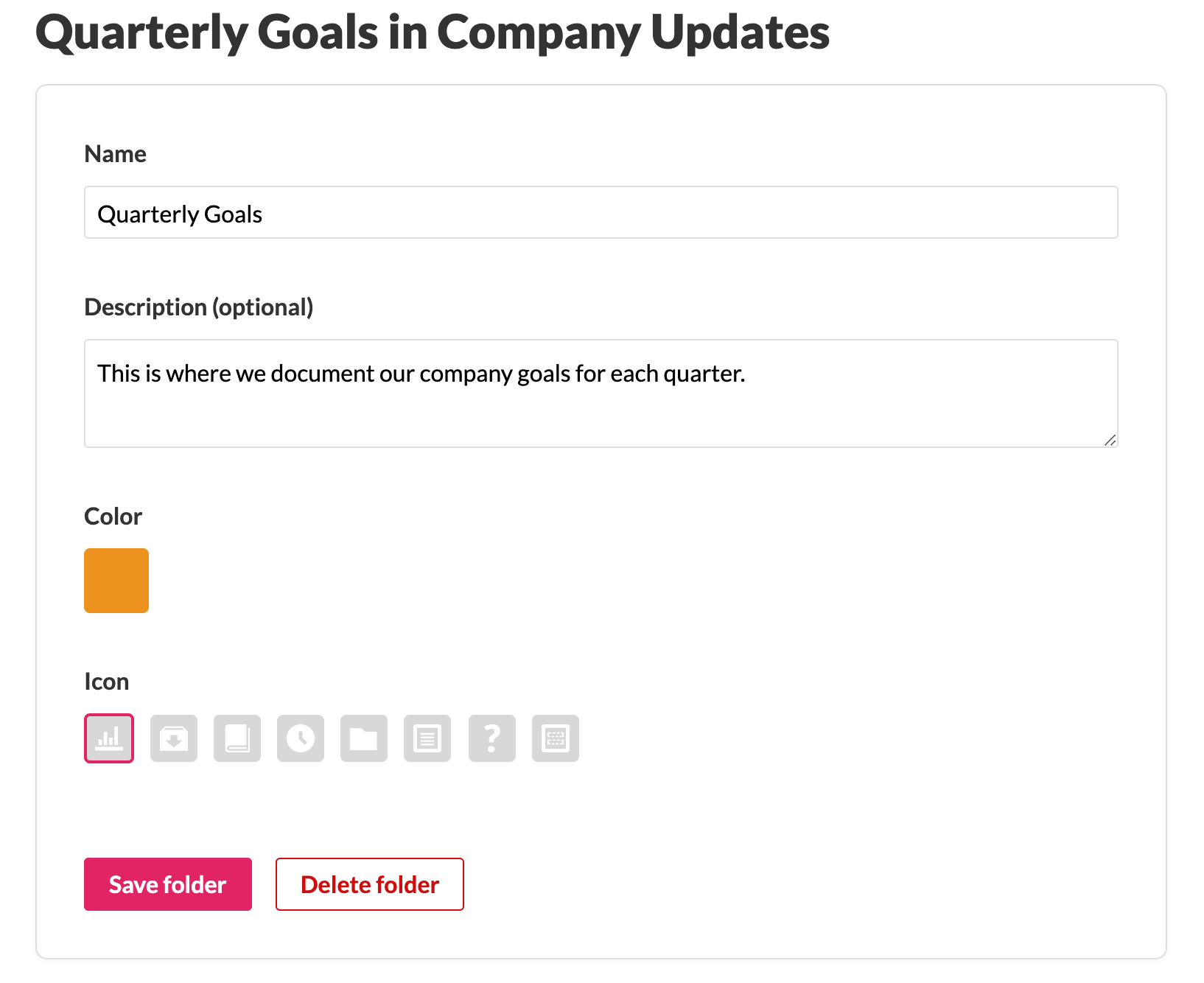
Customize icons, colors and descriptions for categories and folders
New

Posted by Nelson Joyce
5/18/2020
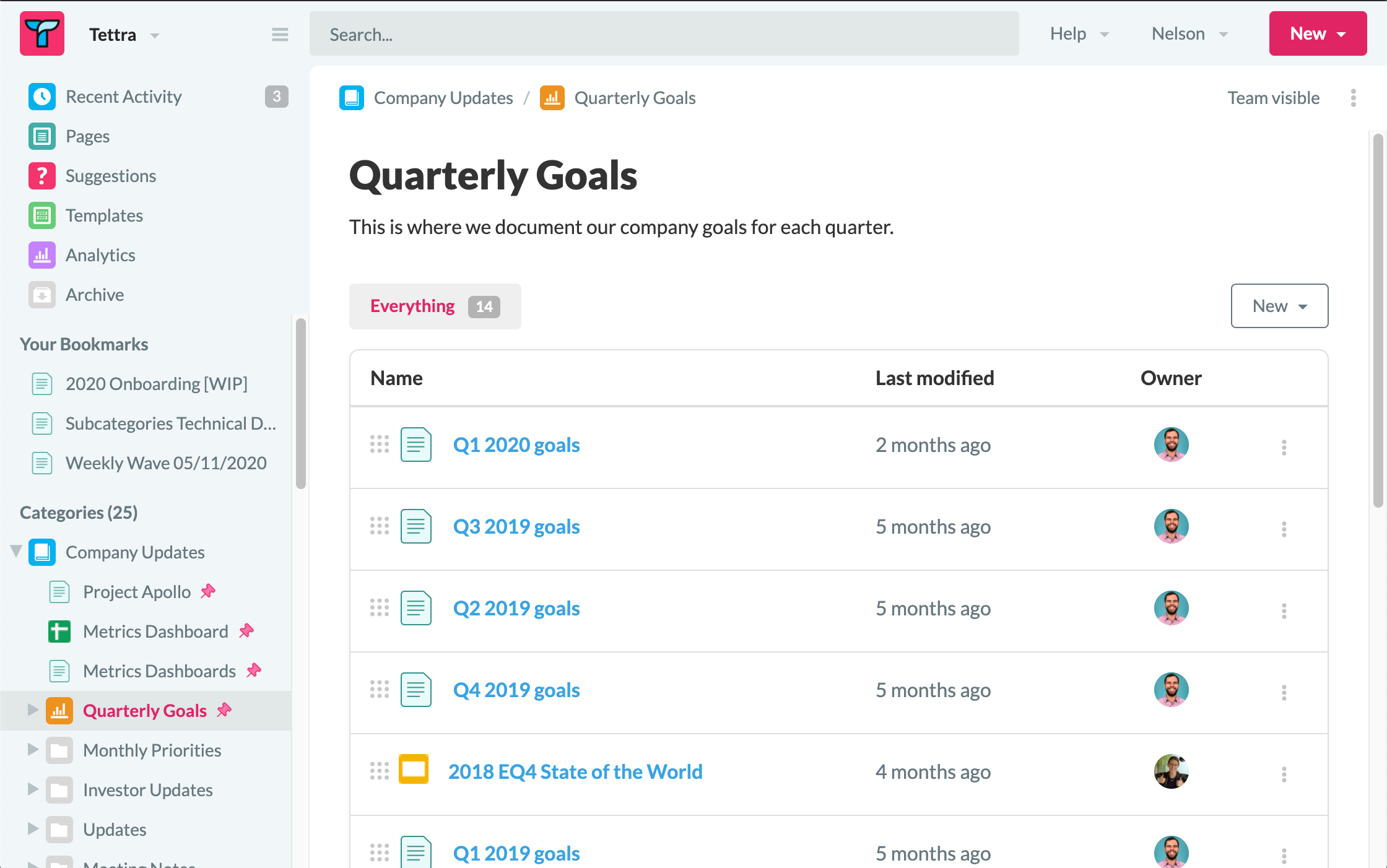
You can now set an icon, color, and description for both categories and folders.
You can set your colors to match your brand, set up a color coded system, or just make things look more exciting. Icons can also help you make things look a bit nicer.
Descriptions can help you set expectations for what should be organized in a category or folder.
We hope this update makes it easier for you to set up and curate your internal knowledge base.
Edit a category or folder to change these settings.